
Today I learned that Git tags are like bookmarks pointing to a specific commit. They are commonly used to mark important milestones, such as production releases.
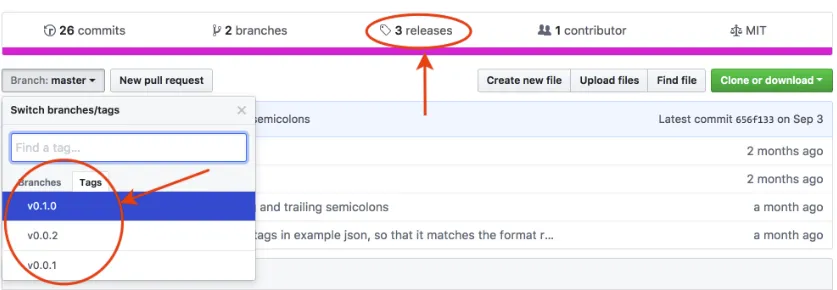
- Mark release snapshots (e.g.,
v1.0.0) - Track significant changes
- Simplify version management
- Lightweight (default):
- Just a name for a commit (like a branch that never moves)
- Annotated (recommended):
- Checksummed, including metadata (date, tagger, message, optional GPG signature)
- Stored as full objects in the Git database
| Command | Note |
|---|---|
git tag [-a] v1.0.0 [<commit_id>] [-m <msg>] |
Create a tag (annotated with -a and -m) |
git tag <tag_name> HEAD |
Tag the latest commit |
git checkout <tag_name> |
Check out a tag |
git tag |
List all tags |
git tag -l "v1.1.*" |
Filter tags by pattern |
git show <tag_name> |
Show tag details |
git push origin <tag_name> |
Push a tag to remote (tags are not pushed by default) |
git push origin --tags |
Push all tags to remote |
git push --follow-tags |
Push only annotated tags |
git tag --delete <tag_name> |
Delete a local tag |
git tag | xargs git tag -d |
Delete all local tags |
git push --delete origin <tag_name> |
Delete a remote tag |
git tag | xargs -n 1 git push origin --delete |
Delete all remote tags |
